Docta
2026 Your itslearning courses, searchable for your own AI Launching soon
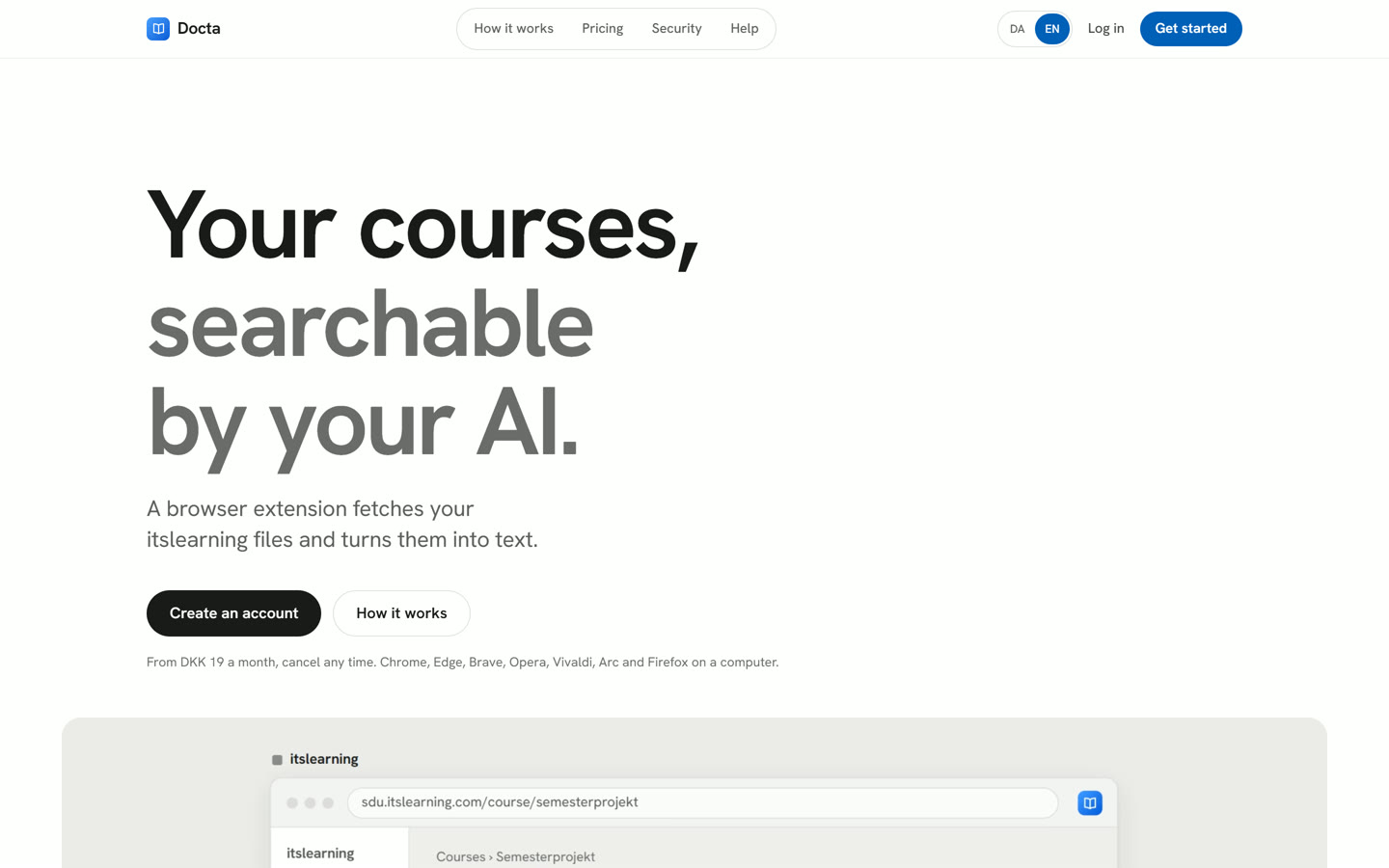
A browser extension, a website and a server that make a student's itslearning courses searchable for the AI they already use, like Claude or Codex. Every answer links back to the file on itslearning, so you can check it. Ziad and I are building it together, and it started out as a desktop app called StudyFlow.
The problem
On itslearning, the material for a course is spread over files, pages, links and assignments, and every course is organised a bit differently. Finding the slide where the teacher explained something means clicking through folder after folder. And if you ask a general AI chatbot, it does not know your course, so it answers from somewhere else and sounds just as sure.
The idea
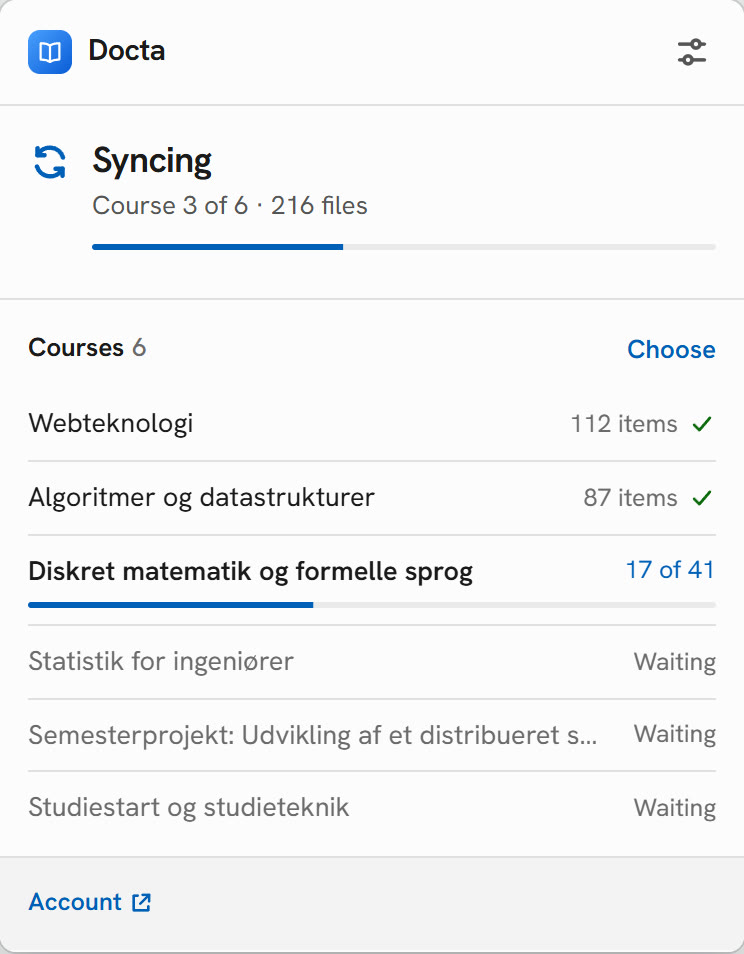
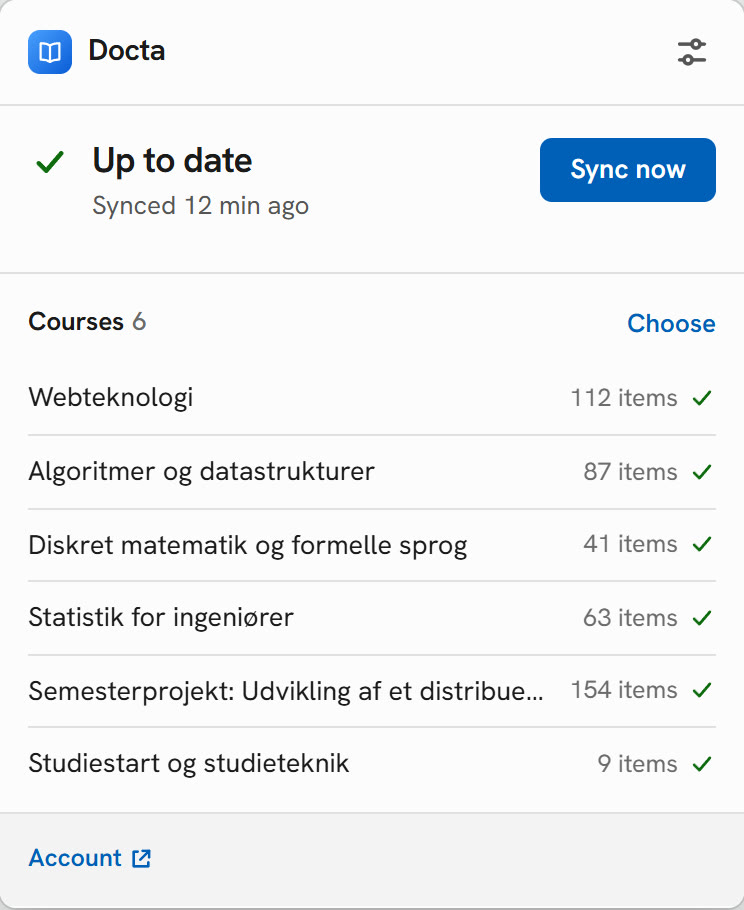
The student installs the extension and signs in to itslearning in their own browser. The extension goes through their courses and turns every file into text, and only the text is uploaded to their private library. Then they connect their own AI to the library over MCP (an open standard for giving an AI access to tools and data). The AI searches the library and every search result has the link to the source on itslearning.
We do not write summaries and there is no chatbot of our own. I think that is the right call for course material: the student gets the text as it stands in the file, and their own AI does the answering.
The files never leave the browser
A big decision was that every file is processed inside the browser. PDFs are read with pdf.js, Word and PowerPoint files are converted by Rust code compiled to WebAssembly, and scanned pages and images with printed text go through OCR (with the Danish language model). Our server only receives the text and the link, never the original file.
The itslearning login also stays in the extension, so it never reaches our server, not even encrypted. The downside is that it only syncs while the browser is open. Videos and audio are skipped entirely, since lecture recordings are not something we want to store.