Darkroom
2026 File tools that run in the browser Live
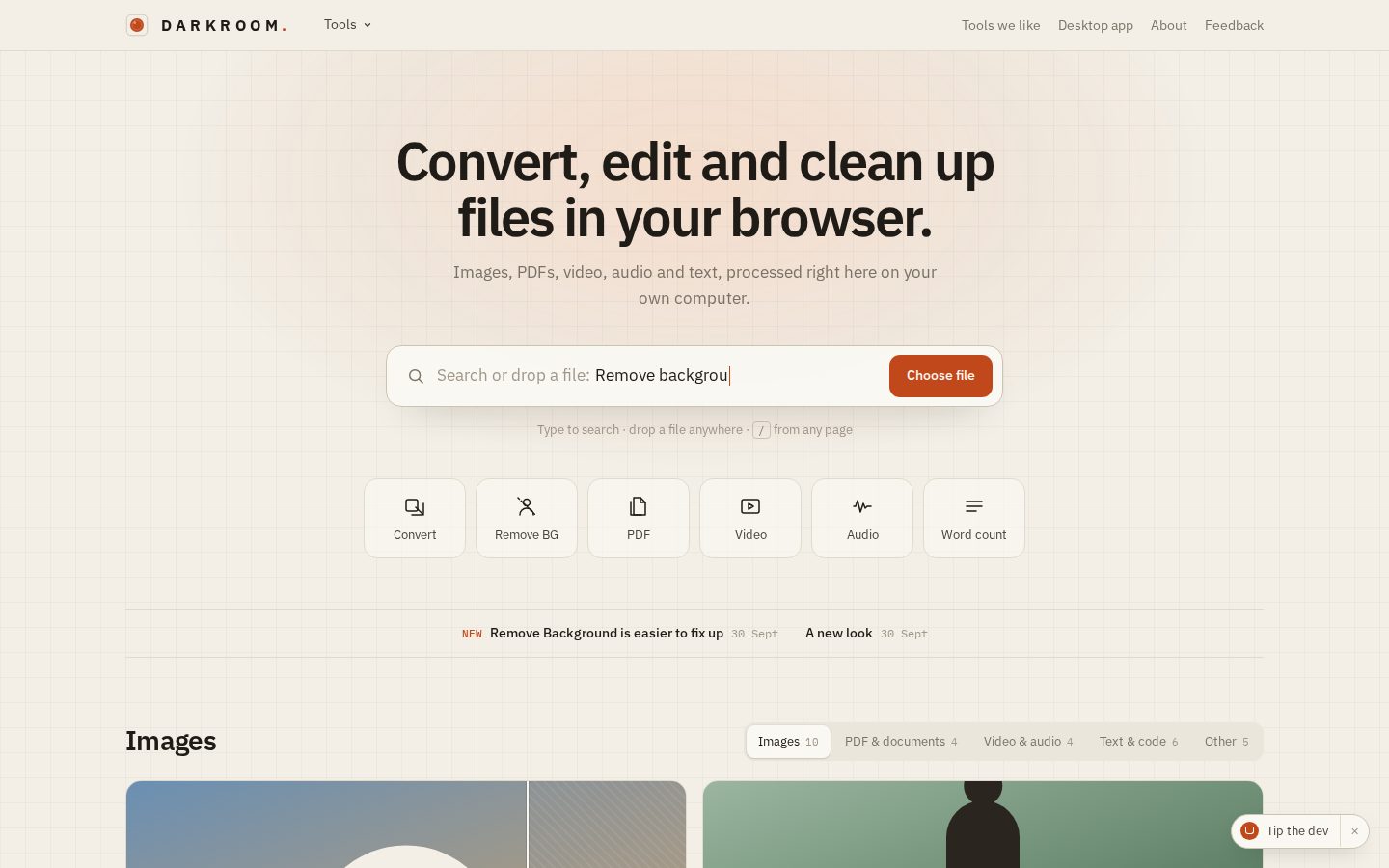
A free toolkit for images, PDFs, video, audio and text. Everything runs on your own computer, so your files are never uploaded.
Why it exists
Most free converters online want you to upload your files to someone else's server, and often have a size limit or a login. Darkroom does the work on your own machine instead. There is no login and no size limit, and it is usually faster, since nothing has to be sent anywhere.
The tools
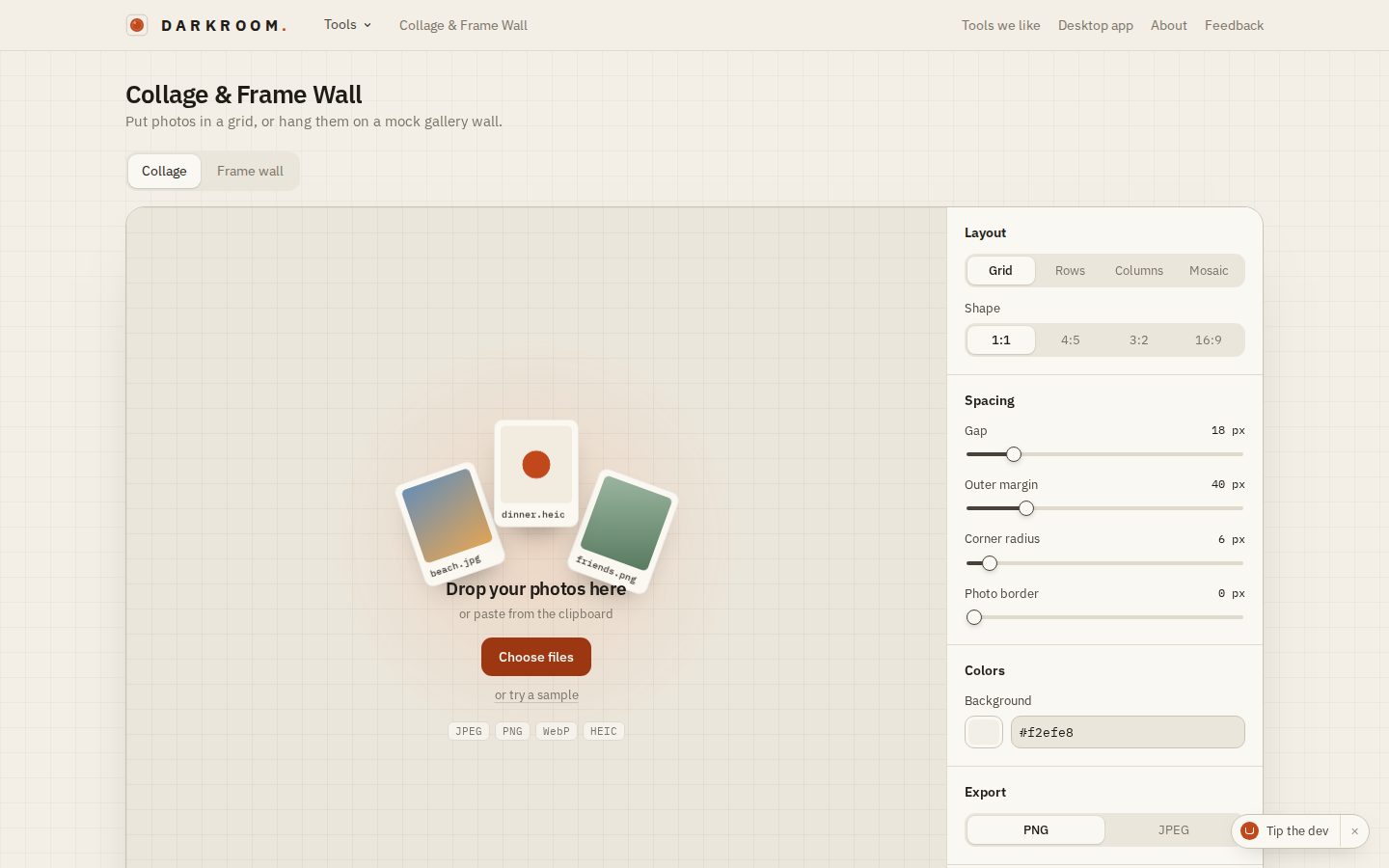
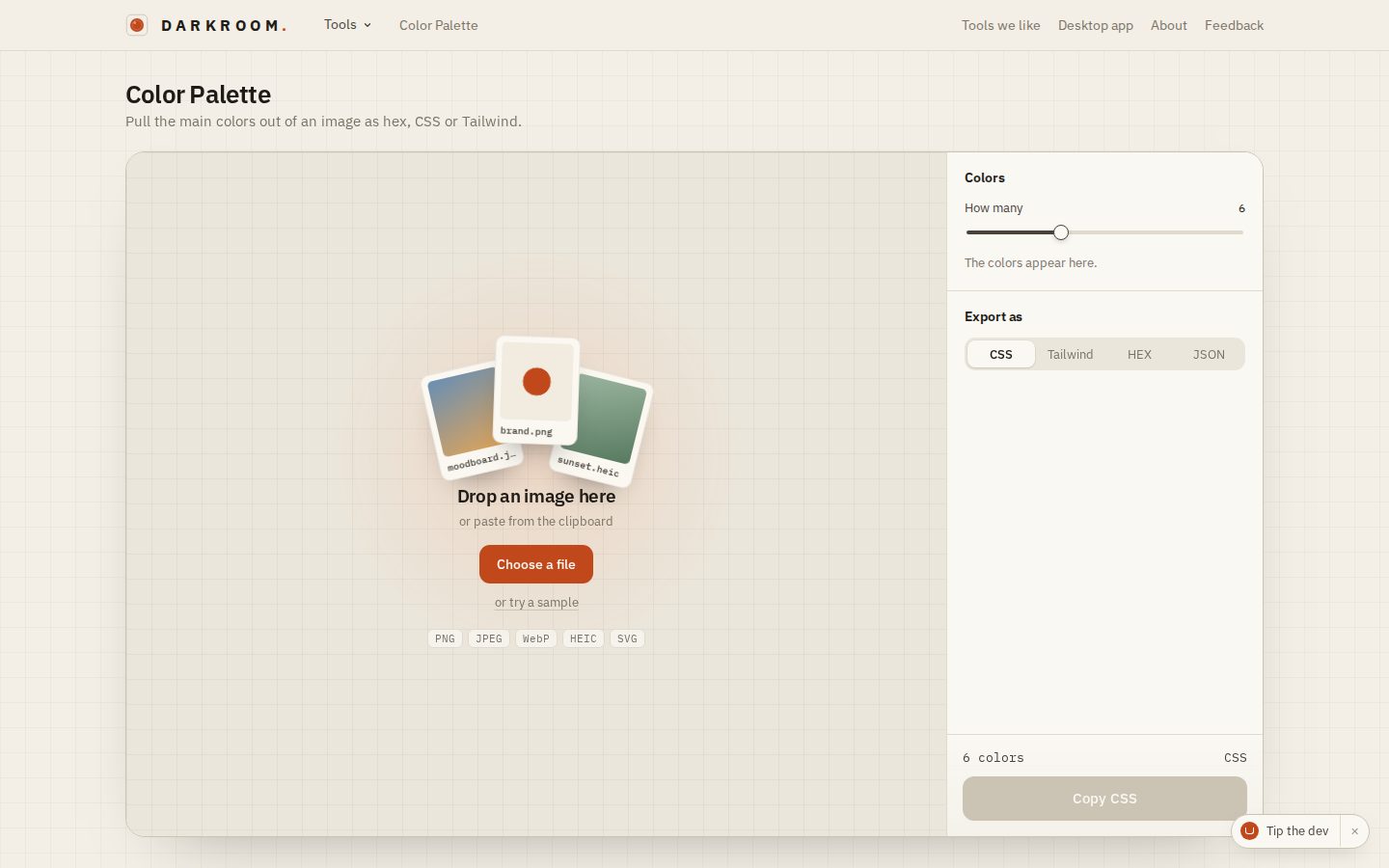
Converting and compressing, background removal, favicons, collages and frame walls, GIFs, colour palettes, PDF tools, video and audio, etc. About 30 tools in total.
Compress to a target size
The tool I use the most myself is compressing a file to a target size, for example "this has to be under 2 MB for the upload form". Darkroom searches for the highest quality that still fits by trying the encoder at different qualities and halving the range each time. If even the lowest quality is too big, it starts scaling the image down. For video it does a two-pass encode at the bitrate that hits the target.
Batches
Most tools take a whole folder at once. The files are spread over a pool of workers, and a slider decides how much of the machine Darkroom is allowed to use, so it can run in the background without freezing everything else. It shows an estimate of how long is left.
One core, two apps
Darkroom started in May 2026 as a desktop app built with Electron. Later I made a web version, and to avoid writing every tool twice, the core of each tool does not know where it runs. On the desktop it uses sharp and native FFmpeg, and in the browser it uses the same libraries compiled to WebAssembly.
The web version is 100% client-side. There is no backend, so it costs nothing to run, no matter how many people use it.
- Images: converting, compressing, resizing, background removal, favicons, collages and frame walls, GIFs and colour palettes.
- Documents: merging, splitting, watermarking, locking and redacting PDFs, a document scanner that straightens a photo of a page, a CSV cleaner and a Markdown editor.
- Text: 19 small tools, like word counts and case conversion, which all share the same counting engine.
- Desktop only: a magic eraser (LaMa), subtitles from speech (Whisper) and upscaling (Real-ESRGAN). These models are too heavy to run comfortably in a browser.
The Chrome extension
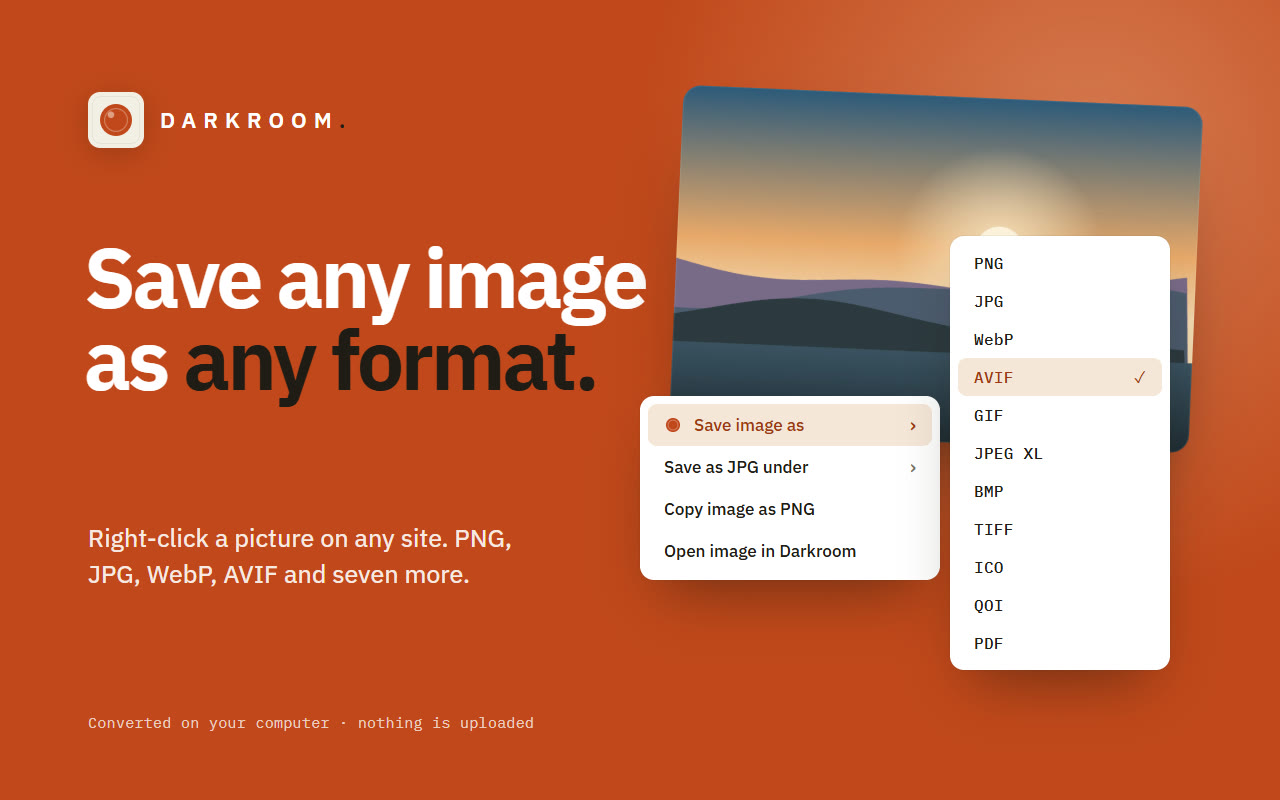
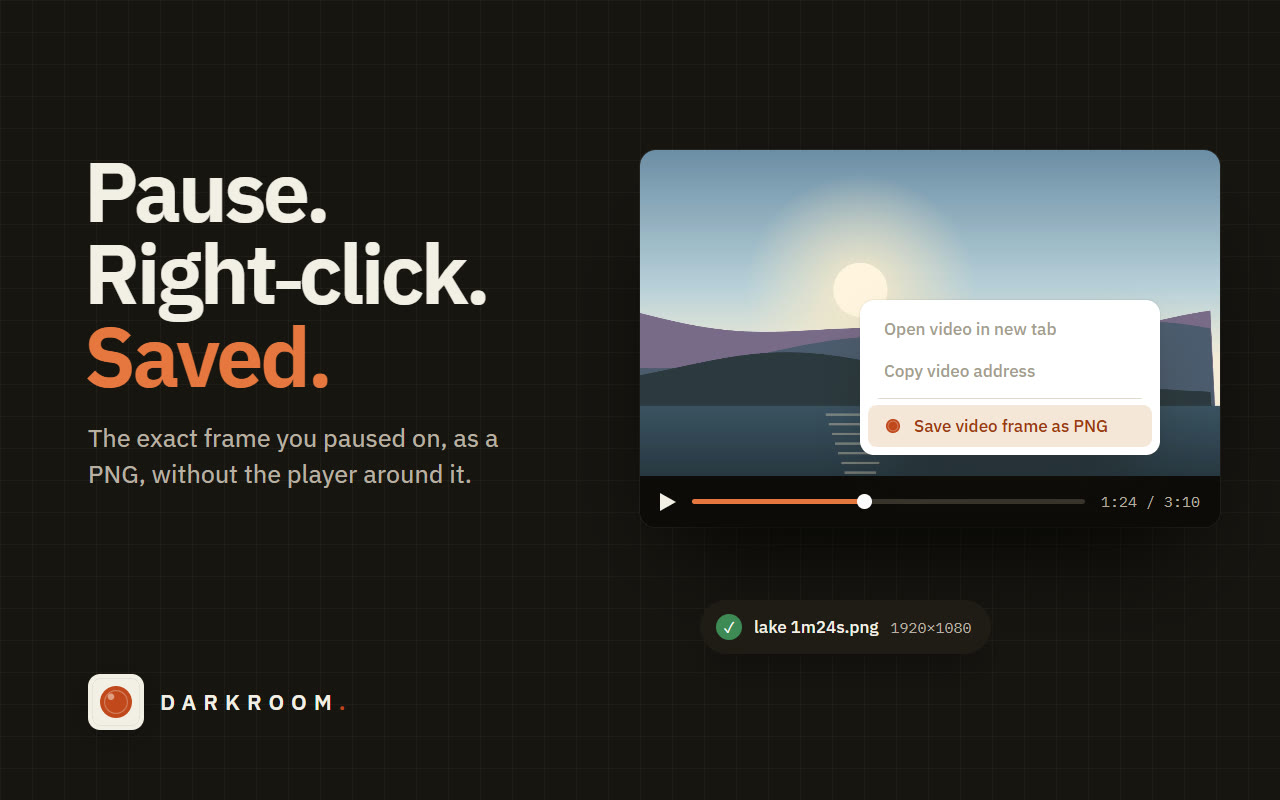
Most of the time the file I want to convert is already on a web page, so in October 2026 Darkroom also became a Chrome extension. Right-click an image to save it in another format, as a JPG under a file size, or copy it as PNG. Right-click a paused video to save that exact frame, or a link to get a QR code for it. "Open in Darkroom" sends an image or a PDF straight into the web app, where all the other tools are.
The extension uses the same image engine as the web app. The conversion runs in an offscreen document on your own computer, so nothing is uploaded here either. It asks for no access to sites when you install it. Only when a site serves its images from another address does it ask for that one address, and only after a click.
The design
The name comes from the photo darkroom, but I did not want a dark, moody tool. The design idea was "Darkroom in daylight": calm, light and plain, so the files are what you look at.